HandbookReference
Settings, page by page
A short reference to every page in Settings and what each option does. For the background behind an option, follow the link to its topic page.
How Settings works#
Open Settings with the gear at the right end of the toolbar. The pages are listed on the left; the two groups Transport distances and AI fold open when you click their heading.
- No Save button. Every change applies the moment you make it and is stored on this computer. The footer says so: Applied immediately · stored on this computer.
- Reset puts a group back to its defaults. On General and Modelling it resets those two pages; on the Transport distances pages it resets the geocoder, the adjustments and the limits (your keys and recent lookups stay); on Models, Limits, Chat and Tools, Reset AI settings resets everything on those four pages — models and their thinking level, limits, approval, privacy, web search, voice input, Eurostat and the tool switches (the provider, keys, models you added yourself, chats, skills and the cost history stay).
- Close, the ✕ or Esc closes Settings.
General#
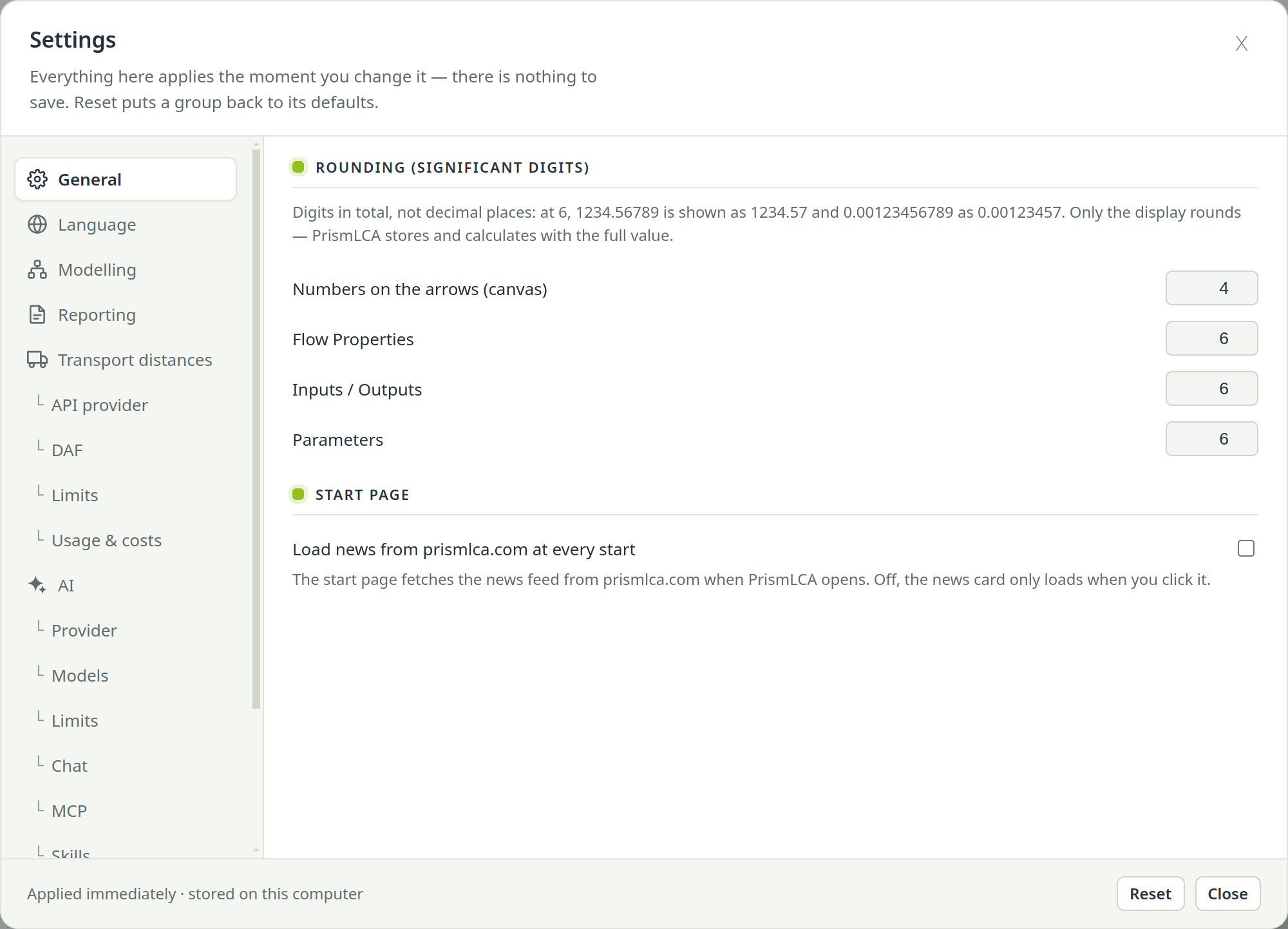
| Option | What it does |
|---|---|
| Rounding (significant digits) | How many digits are shown in five places: Numbers on the arrows (canvas), Flow Properties, Inputs / Outputs, Parameters and Results (the Detailed results page and a dataset's scores). Digits in total, not decimal places. Only the display rounds; PrismLCA stores and calculates with the full value, and a field you type into shows it in full as soon as you click into it. The Results page has its own Decimals control. |
| Load news from prismlca.com at every start | Off by default: the news card on the start page loads only when you click it. On, it fetches the news each time PrismLCA opens. See What leaves your computer. |
Language#
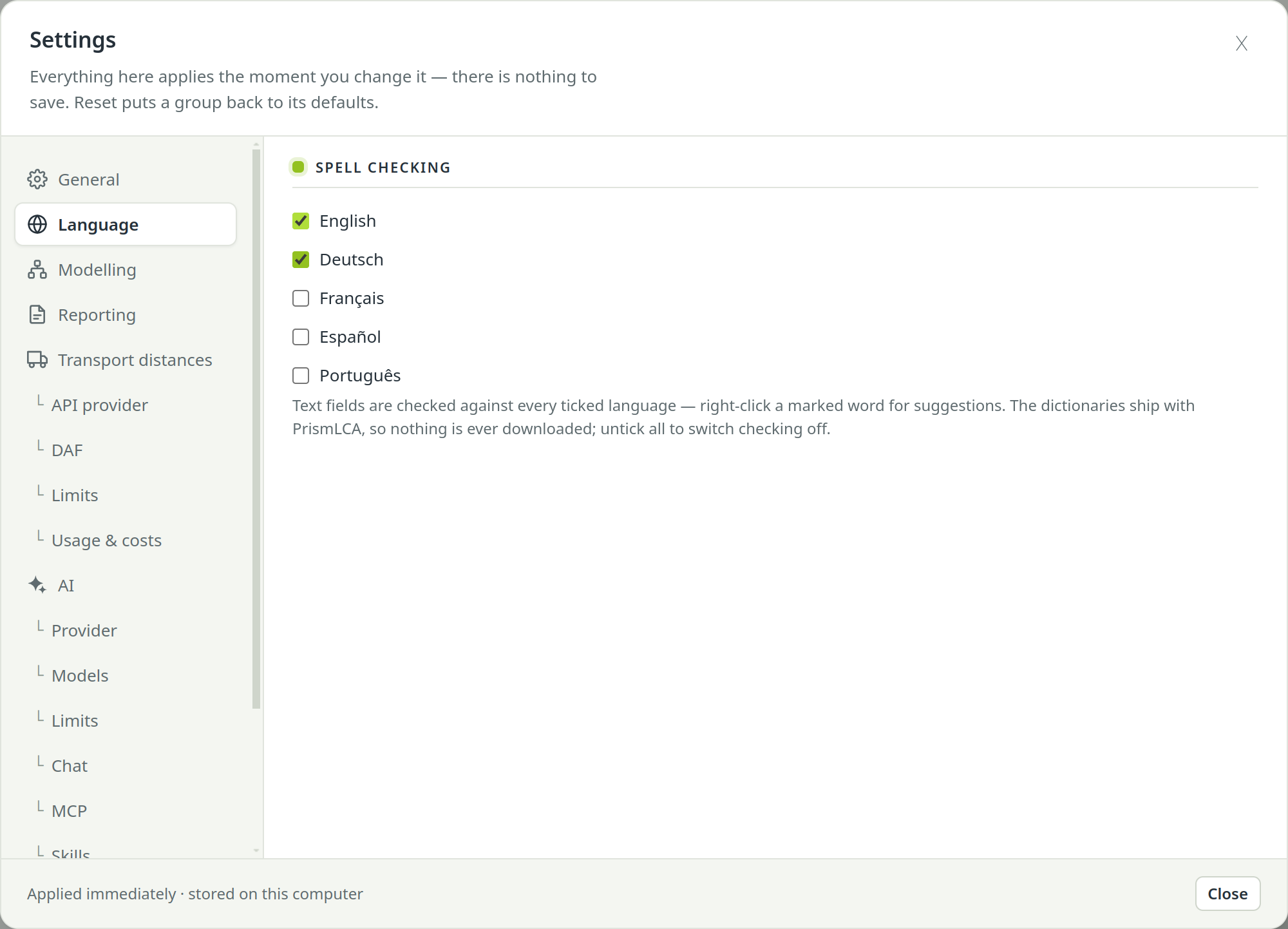
Spell checking: tick the languages text fields are checked against — English, Deutsch, Français, Español, Português. Right-click a marked word for suggestions. The dictionaries ship with PrismLCA, so nothing is downloaded; untick all to switch checking off. The language of a report is set on the report itself — see Languages, themes and PDF.
Modelling#
| Option | What it does |
|---|---|
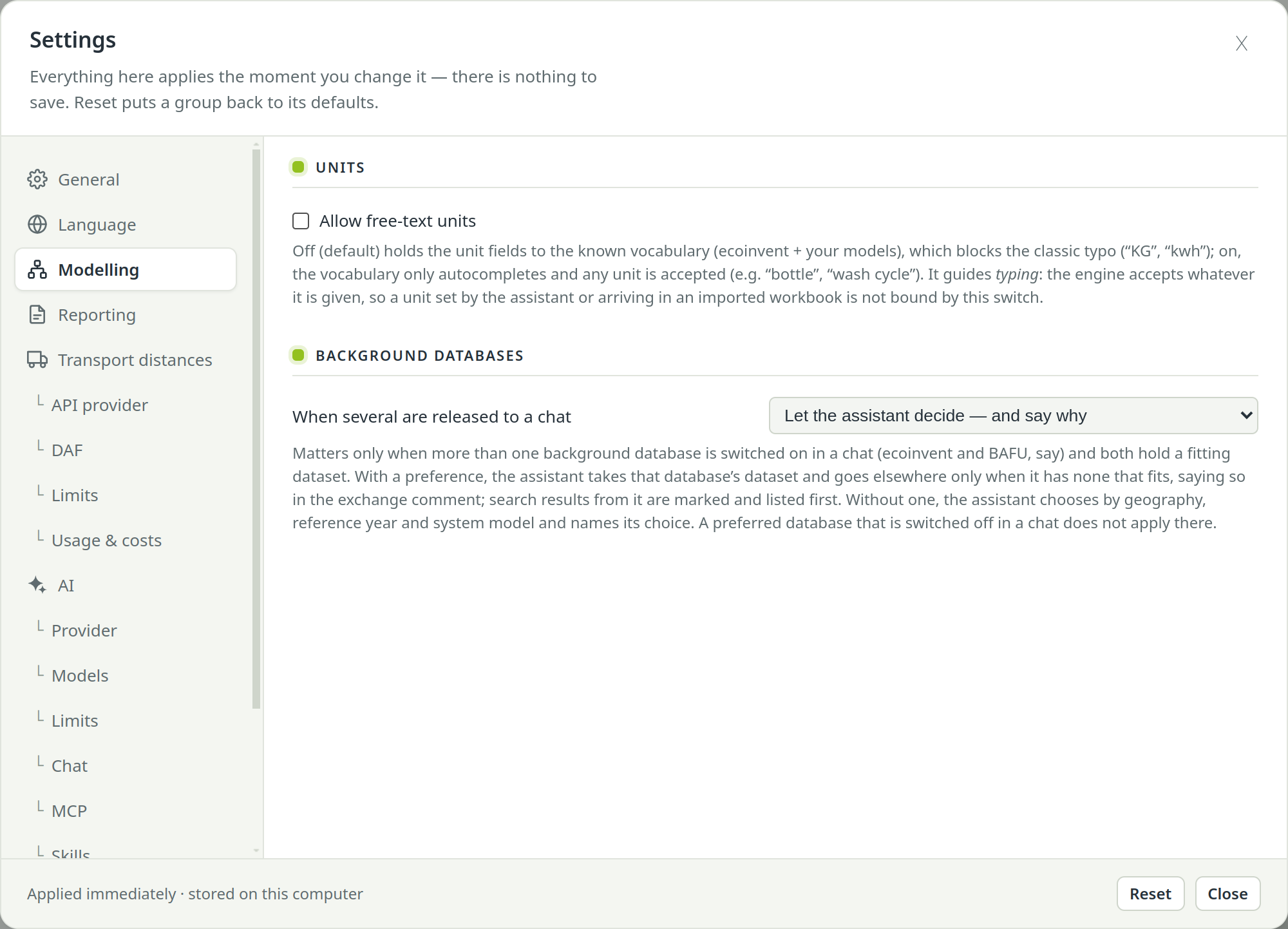
| Allow free-text units | Off by default: unit fields accept only known units, which keeps typos such as “KG” out. On, any unit is accepted (“bottle”, “wash cycle”). It guides typing only; units set by the assistant or an import are not bound by it. |
| Canvas arrows — Show the amount and its unit, Show the product | Both on by default: each arrow on the canvas is labelled with its amount and unit and, under them, the product it carries. Turn either off on a crowded canvas; with both off the arrows carry no label. |
| Background databases — When several are released to a chat | Which database the assistant prefers when more than one is switched on in a chat (ecoinvent and BAFU, say): Let the assistant decide — and say why, or Prefer … one of them. See Background databases. |
Reporting#
Title page: who carries out the studies in this workspace — Your name, Company, Company logo and Logo height. Without a company logo your side of the cover stays empty — PrismLCA does not put its own there. A report can still add the client's logo and its own cover picture on its own title-page settings. See The full study report.
Transport distances#
These pages serve the Distances button in the toolbar and the assistant's distances tool alike. Both need a key of your own. Details in Transport distances.
| Page | What you set there |
|---|---|
| API provider | Routing — openrouteservice: your openrouteservice API key (free plan available). Geocoding — who turns a place name into coordinates: openrouteservice or Mapbox, with a Mapbox access token for the latter. Needs an API key |
| DAF | Distance adjustment factors after the GLEC Framework and ISO 14083, all on by default: road routed distance × 1.05, air great-circle distance + 95 km, rail great-circle distance × a Rail circuity factor (default 1.2), sea sailed distance × 1.15. Access legs: deliver the road to and from the airport or port as separate legs. |
| Limits | Offer the distances tool to the assistant, API calls per assistant turn, and Daily limits (assistant and Distances button together): Geocoding calls per day and Routing calls per day (0 = no limit). |
| Usage & costs | Distance API usage: calls and cost per day, provider and endpoint. |
AI#
The assistant's pages. Without a provider key the assistant and the report writer stay off; everything else on these pages can still be set in advance. Background in Set up the assistant and Models, effort and limits.
Provider#
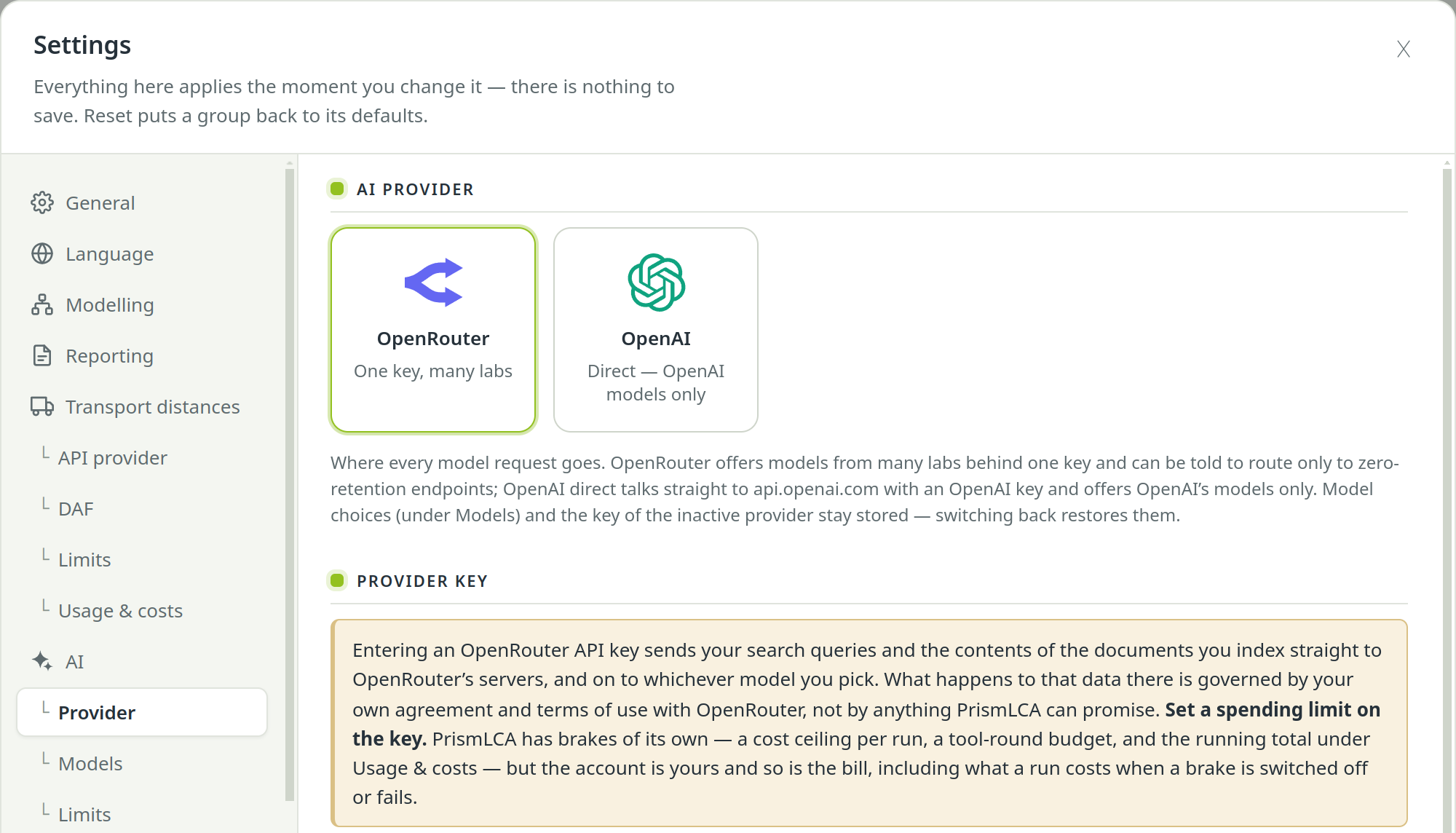
AI provider: choose OpenRouter (“One key, many labs”) or OpenAI (“Direct — OpenAI models only”). Provider key: paste your OpenRouter API key or OpenAI API key. It is stored encrypted by your operating system and never shown again — the field shows only a short mask. Remove the key deletes it. Both keys can be stored; switching the provider keeps the other one. Needs an API key
Models#
One picker per job: Chat model with its Reasoning effort, Report writing model (default Same as the chat model), Research model, Review model and Material assignment model (for imports from other software). The info icon beside each role says what that model does. Cost & performance lists the available models with price per million tokens and benchmark scores; under OpenRouter, Add model… adds a model that is not in the list yet.
Limits#
| Option | What it does |
|---|---|
| Max tool rounds | How many tool rounds one run may take before it stops. |
| Preferred provider speed (tokens/s) | OpenRouter only: prefer endpoints that answer at least this fast. |
| Parallel research questions | How many questions one web-research call looks into at once. Each is its own paid search. |
| Cost limit per run ($) | Safety brake: a run stops once it has spent this much. Default $15; 0 switches it off. |
| Max tokens per reply / Max tokens per writer reply | Ceiling on the length of one answer, for the chat and for the report writer. |
| Offer only the tools a conversation needs (experimental) | Off by default. Gives the model a smaller tool set chosen from your topic. |
| Ask me before the assistant does something that cannot be undone | On by default: renaming a model and changing a custom impact method or method family wait for your OK on a card in the chat; off, they run straight away. Deleting a model, a custom method or a family always asks first, and undoable edits never ask. |
| Privacy — Only use providers that keep nothing (zero data retention) | OpenRouter only: route requests only to providers that do not collect your data and, unless you exempt the vendor with Except Anthropic (Claude), Except OpenAI (GPT) or Except Google (Gemini), only to endpoints that retain nothing. |
Chat#
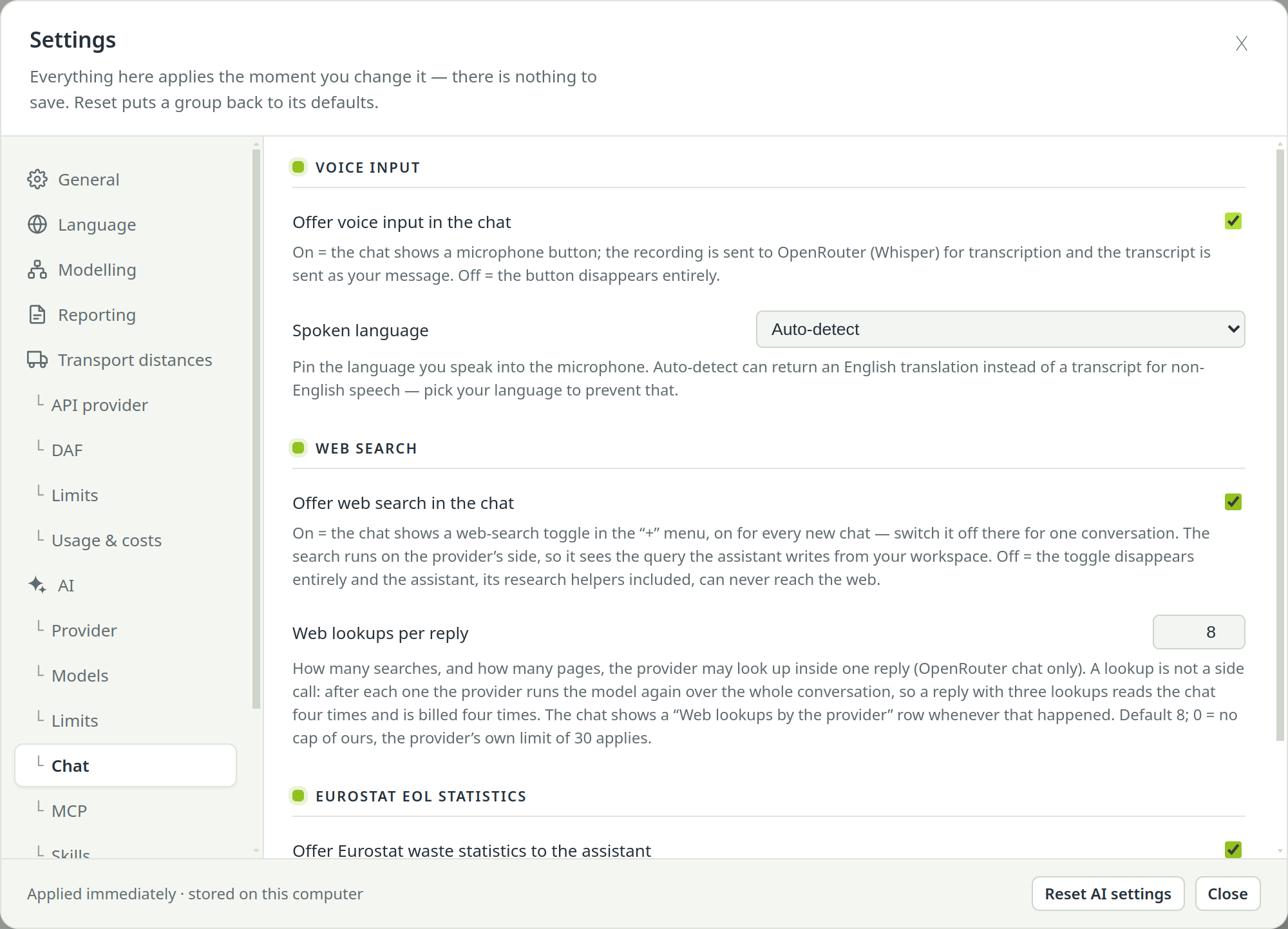
- Voice input: Offer voice input in the chat shows the microphone button; Spoken language pins the language you speak. The recording goes to your provider for transcription.
- Web search: Offer web search in the chat puts a web-search toggle into the chat's + menu; Web lookups per reply caps how many searches one reply may make (each one re-reads the conversation and is billed). Off, the assistant cannot reach the web at all.
- Eurostat EoL statistics: Offer Eurostat waste statistics to the assistant lets it look up official end-of-life treatment mixes (free, no key).
MCP#
External agents: the switch Let external agents drive PrismLCA (MCP server) (off by default), Test connection, New token, and under Connect a client one row each for Claude Code, Codex (CLI and app) and Claude Desktop with Show snippet and Configure…. See Connect your agent.
Skills#
Skills: the Markdown instructions offered to the assistant. Tick a skill to offer it; click it to read it. Built-in skills carry the built-in badge and can be switched off but not edited or deleted. To add your own, fill in Name and What / when to use it for?, pick the file with Choose a Markdown file… and choose Add. See Skills and tools.
Tools#
Assistant tools: every tool the assistant can use, grouped, each with its own tick box. A tool you untick is never shown to the model — neither to the built-in assistant nor to external agents.
Usage & costs#
API costs: what the assistant has cost, per model and month, as reported by OpenRouter or computed from list prices under OpenAI. Tiles show this month, all time, the number of models used and the spend per kind of work; tabs switch between OpenRouter and OpenAI.
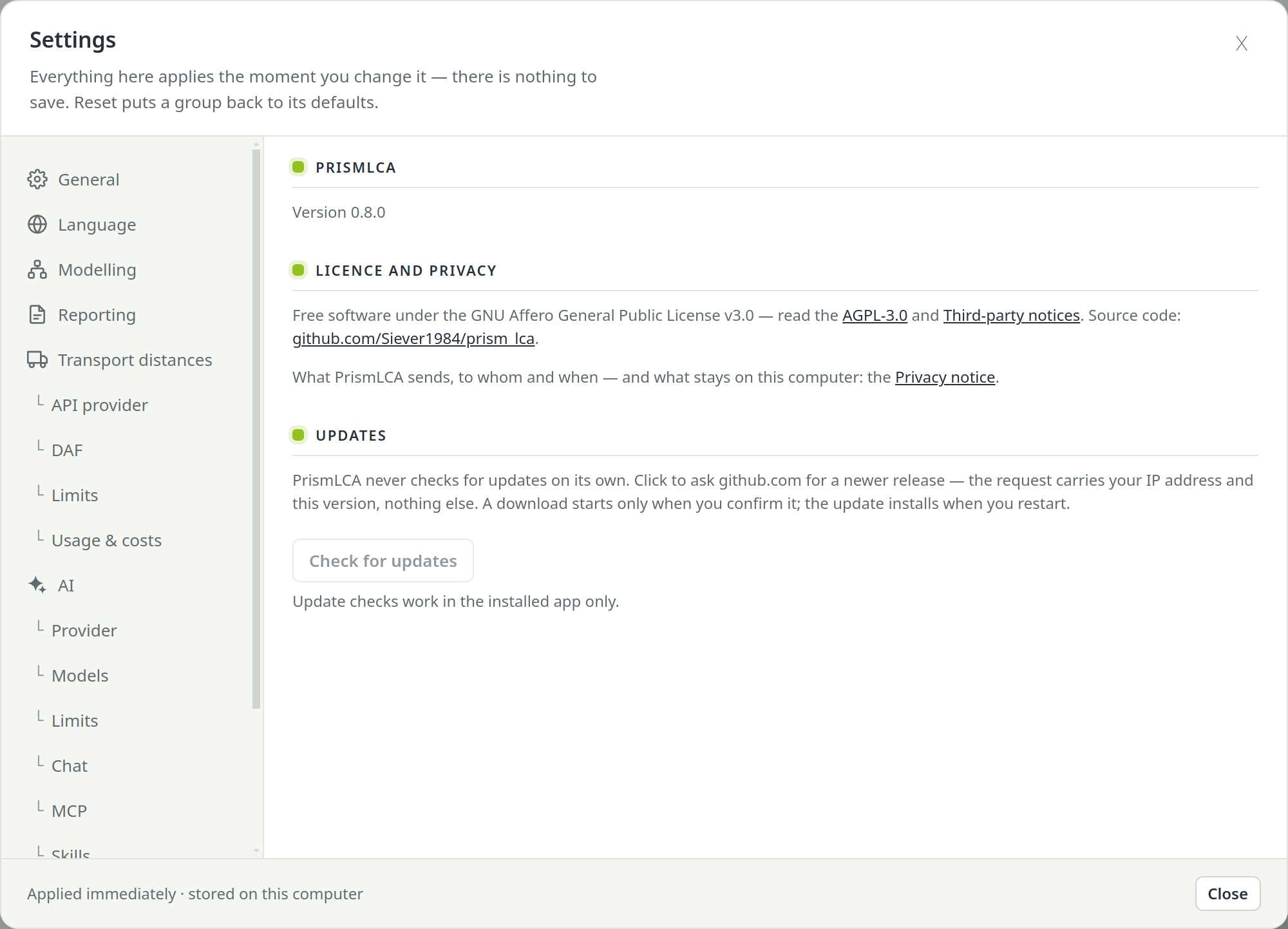
About#
Who develops PrismLCA, links to the website, GitHub, Substack and LinkedIn, the version you run, the licence (GNU AGPL-3.0), the source code link and the privacy notice. Under Updates, Check for updates asks github.com for a newer release — PrismLCA never checks on its own. If there is one, Download fetches it and Restart and install installs it; Discard download throws a downloaded update away. See Install PrismLCA.